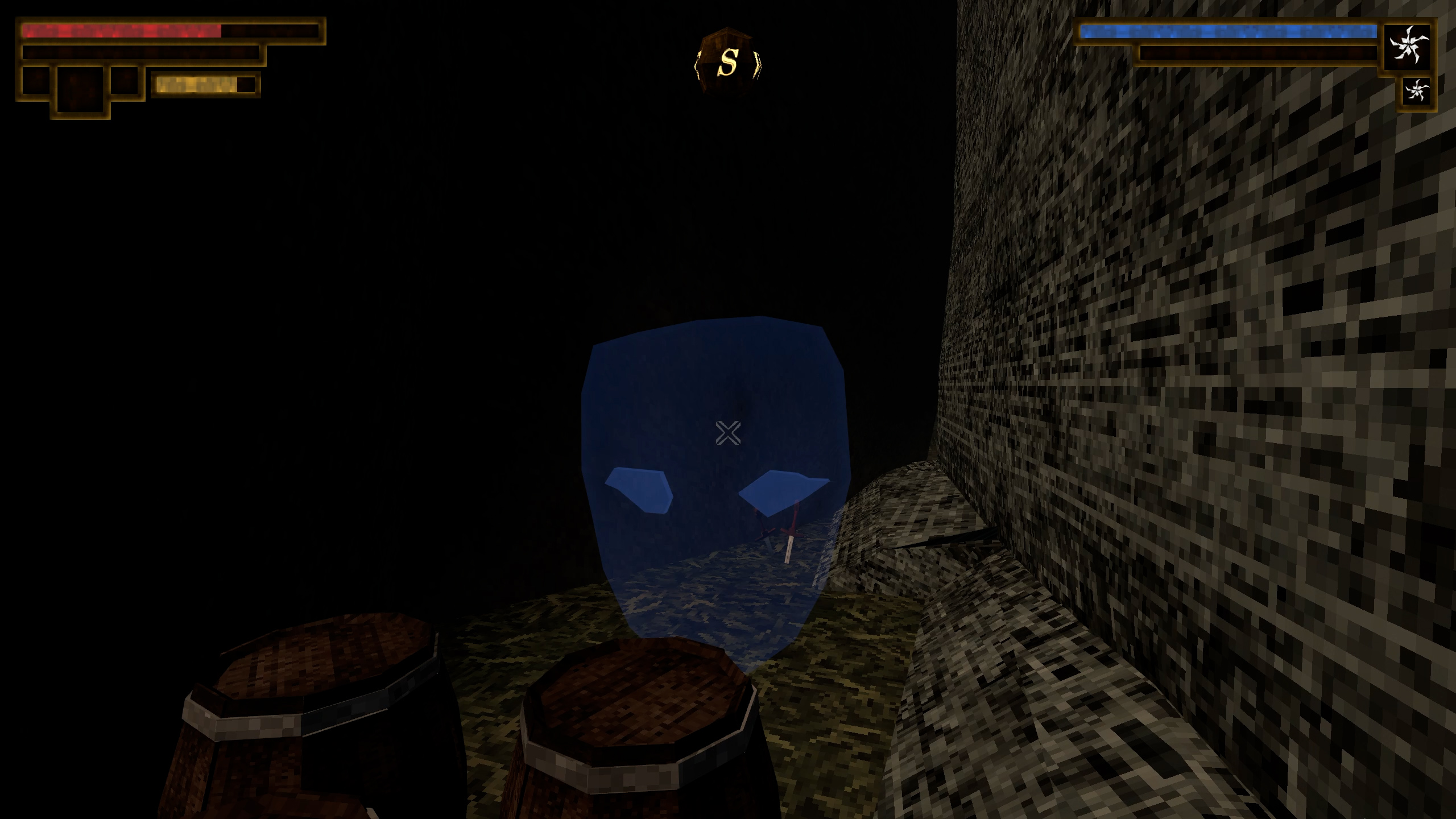
Reveal secret walls and invisible objects without keeping the Eye of Secrets equipped. Walk close enough and the mod does the revealing for you. Optional filters for specificy requiring a certain weapon orr equiring the ey of secrets in inventory and customize the radius you want.
Features
- Automatically reveal nearby invisible objects and open ordinary illusory walls that respond to the Eye.
- A spherical aura reveals in every direction, including beside and behind you. No need to point a weapon at the secret.
- Choose a radius from 0.25 to 20 world units. The default is 3.
- Works with any weapon in the default mode, without owning or equipping the Eye.
- Optional inventory and selected-weapon modes, including a setting for whether the chosen weapon works while sheathed.
- Settings are available in-game through Verho Mod Configuration Menu. The passive resumes after loading or changing areas.
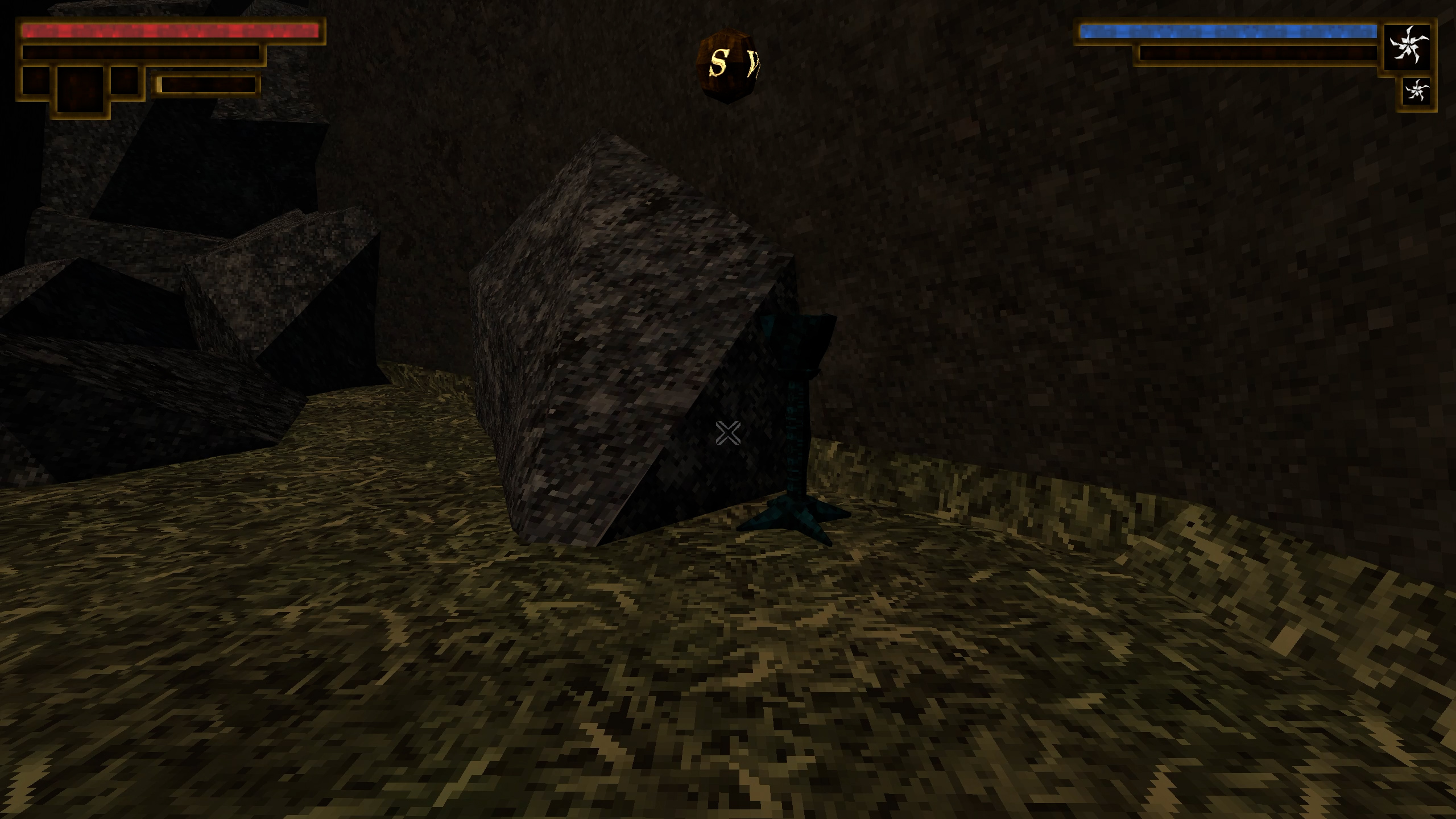
Requirements
Built for and tested on the Windows Steam version of Verho: Curse of Faces, build 21853371. Other versions haven’t been verified.
- BepInEx 5, Windows x64. Tested with 5.4.23.5. Install it in the folder containing
Verho.exe. - Verho Mod Configuration Menu (MCM), is a soft requirement. The mod will run without it, but you wont have an ingame settings menu.
Installation
Use My mod manager or follow the manual steps:
- Close the game and open the folder containing
Verho.exe. - Extract the BepInEx ZIP into that folder if it isn’t already installed.
- Open
BepInEx/config/BepInEx.cfgin a plain text editor. Under[Chainloader], setHideManagerGameObject = true. If the file hasn’t generated yet, launch and close the game once, or create the file with those two lines. - Install Verho Mod Configuration Menu. Its DLL belongs at
BepInEx/plugins/ModMenu/Verho.ModMenu.dll. - Extract the Eye of Secrets Passive ZIP into the game folder, choosing merge or replace when prompted. The mod DLL belongs at
BepInEx/plugins/EyeOfSecretsPassive/Verho.EyeOfSecretsPassive.dll.
Configure
Use Enable passive to turn it on or off, and Reveal radius to change its range. Activation mode has three choices:
- Always: the default. No particular weapon or Eye ownership required.
- EyeInInventory: Only active while the eye is in your inventory. it doesnt need to be equipped.
- SelectedWeapon: the weapon set in Selected weapon ID must be in either hand of your active weapon pair for the secret radius to be active. Active while sheathed controls whether sheathing turns it off.
For SelectedWeapon mode, equip the weapon and check BepInEx/LogOutput.log for Active weapons: main=... or offhand=.... Enter its number in the menu. A selected ID of -1 means no weapon.
You can configure the mods settings at BepInEx/config/local.verho.eyeofsecretspassive.cfg if you don’t want to install the MCM.
Compatibility notes
- Only secrets using the game’s normal Eye interactions are affected (illusory walls and invisble blue torches mostly). This doesn’t unlock keyed doors or hand out quest items.
Uninstall
Close the game and delete BepInEx/plugins/EyeOfSecretsPassive/Verho.EyeOfSecretsPassive.dll. BepInEx and MCM can stay installed for other mods. The added aura will be gone the next time you launch.
Leave a Reply