Also available on Nexus Mods
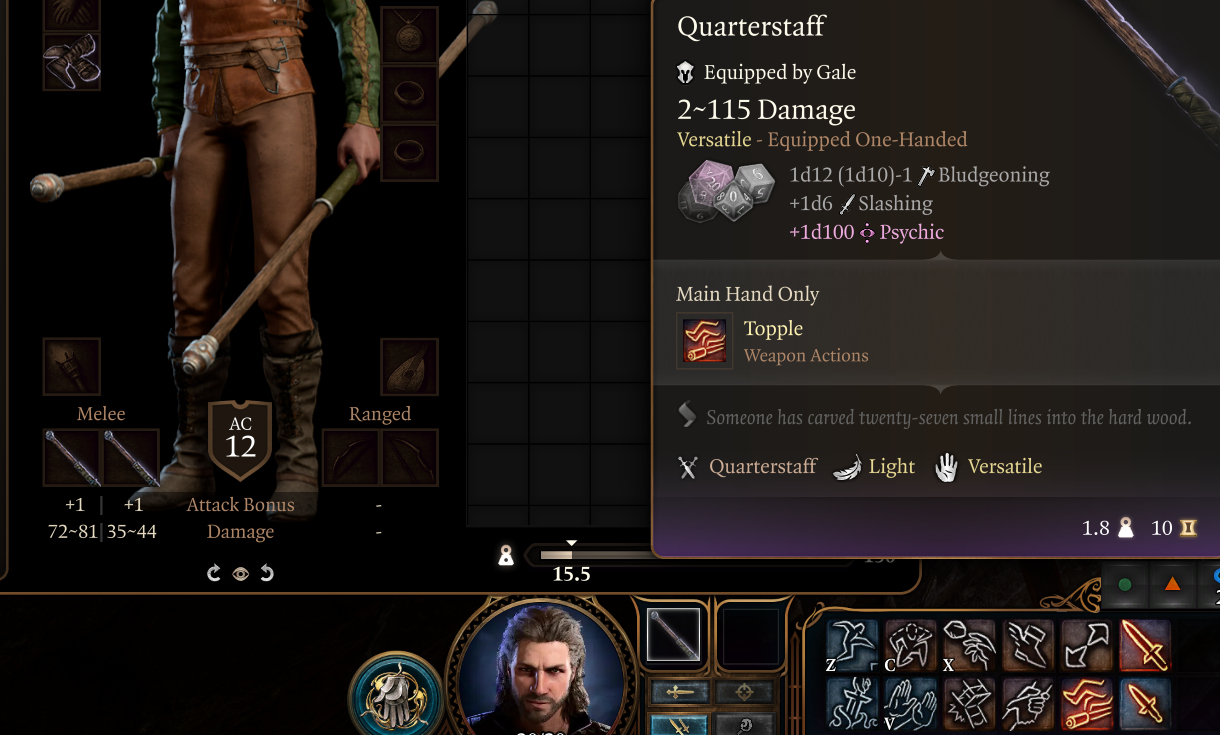
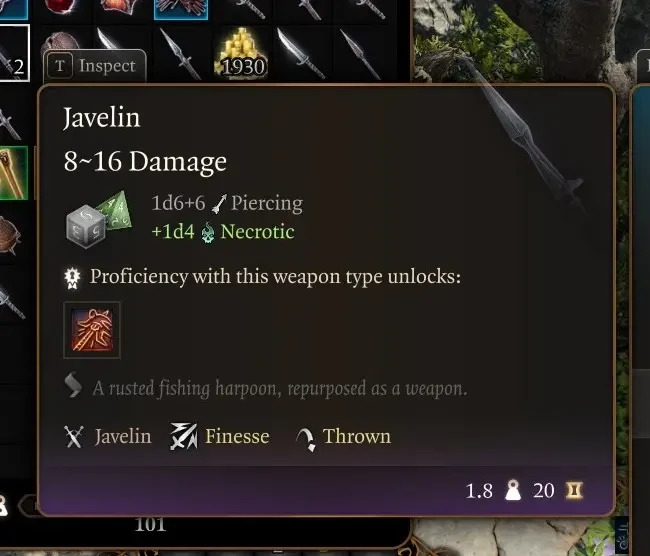
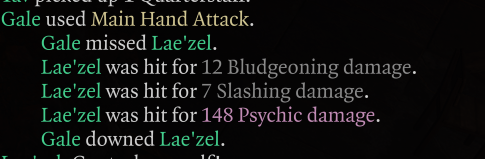
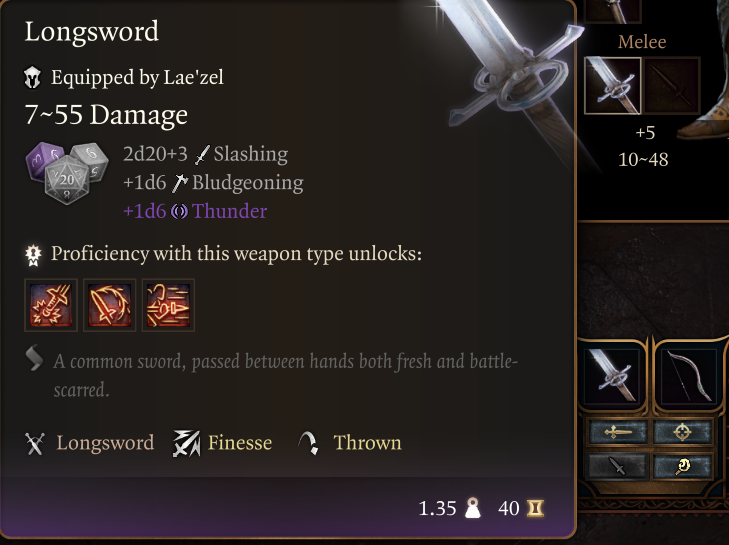
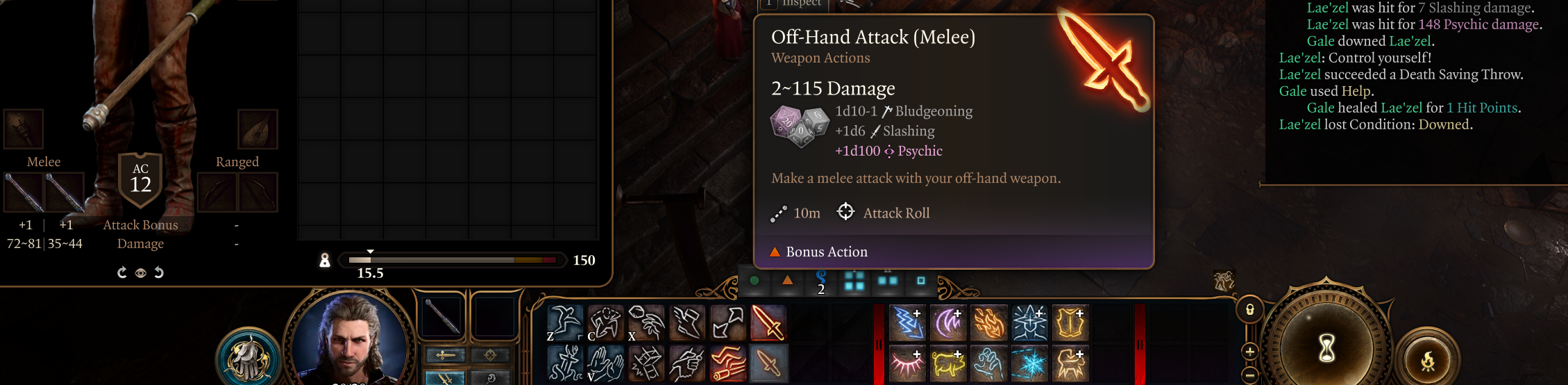
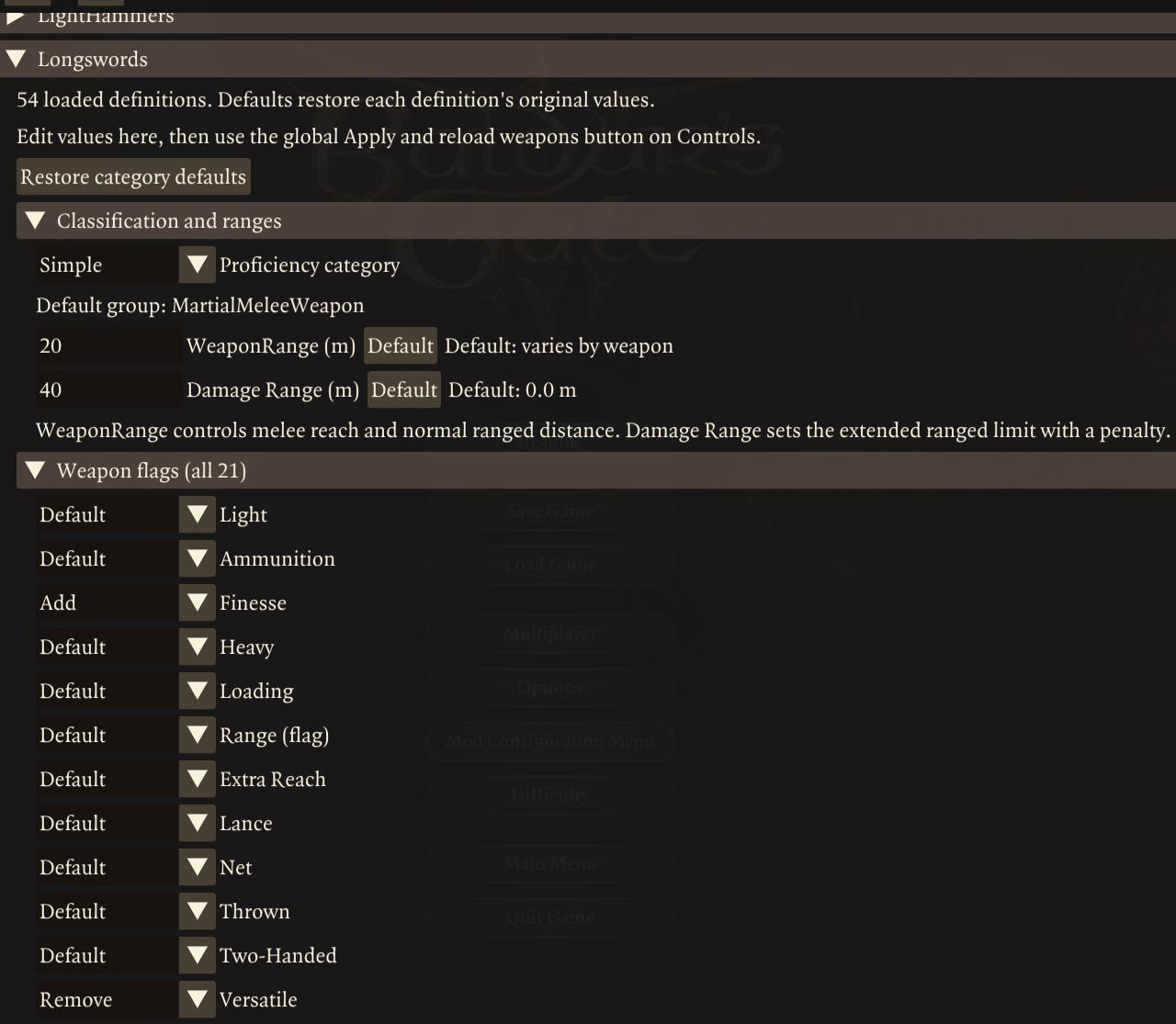
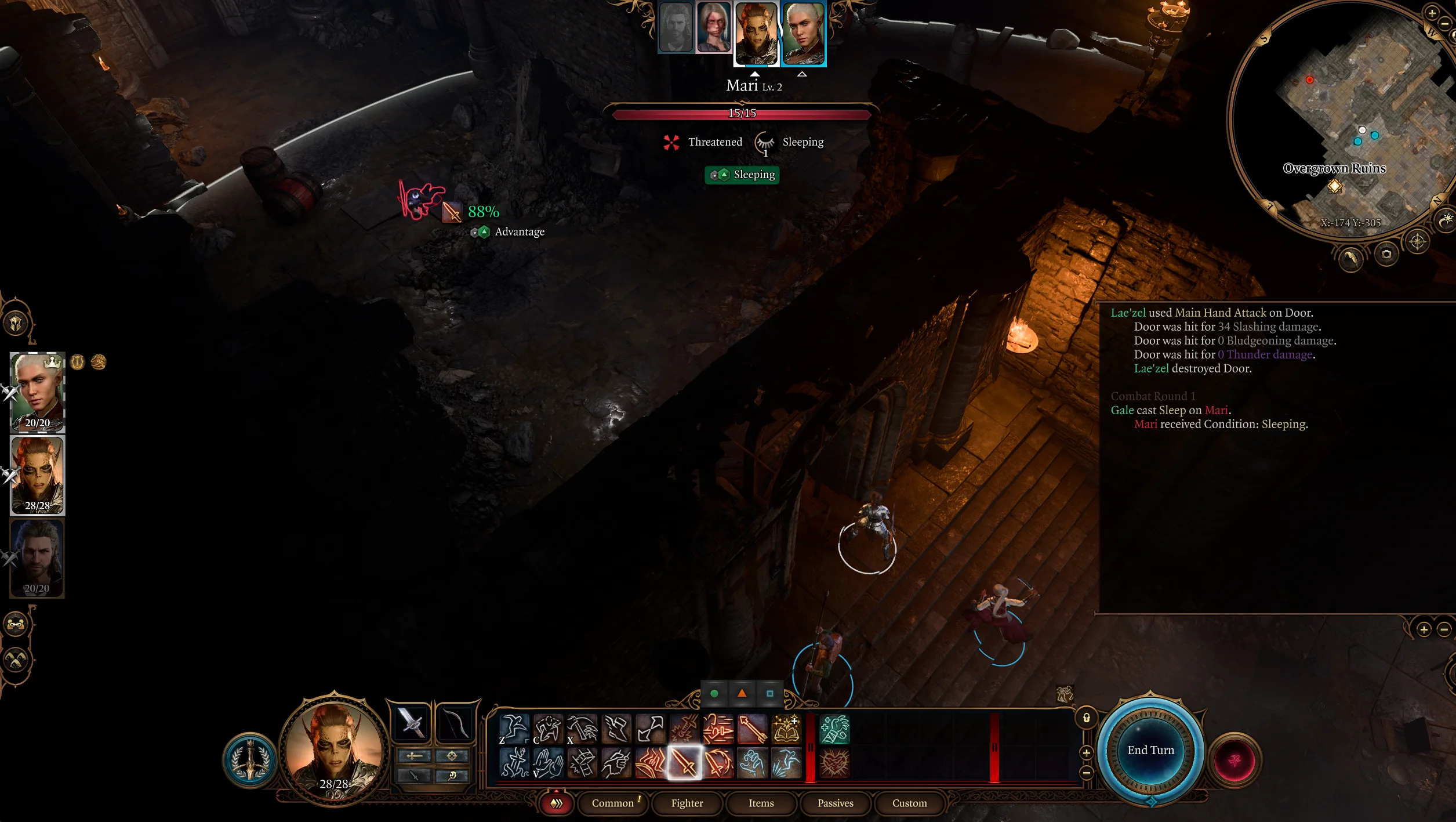
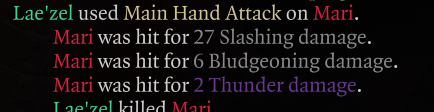
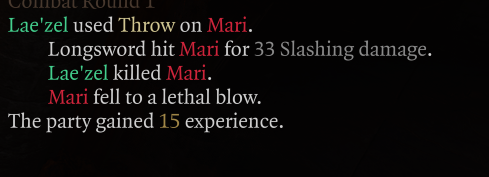
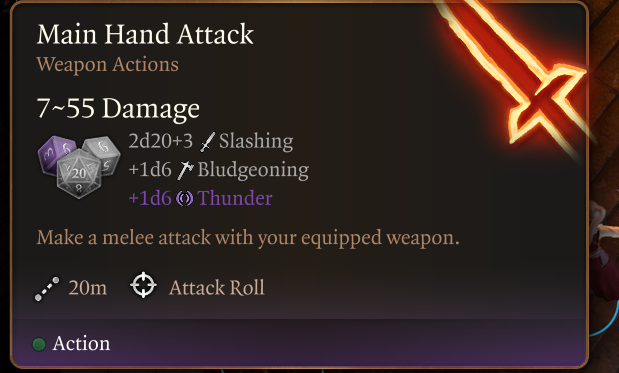
Modular Weapons lets you change weapon properties and stats. Finally your longswords can be finesse weapons, your flails have extended reach and your poop knives deal poison damage or just make your greatclubs throwable and dual wieldable with slashing and psychic damage because why not?
Looking for modular armor?
https://digineaux.com/product/modular-armor-for-baldurs-gate-3/
https://www.nexusmods.com/baldursgate3/mods/25869
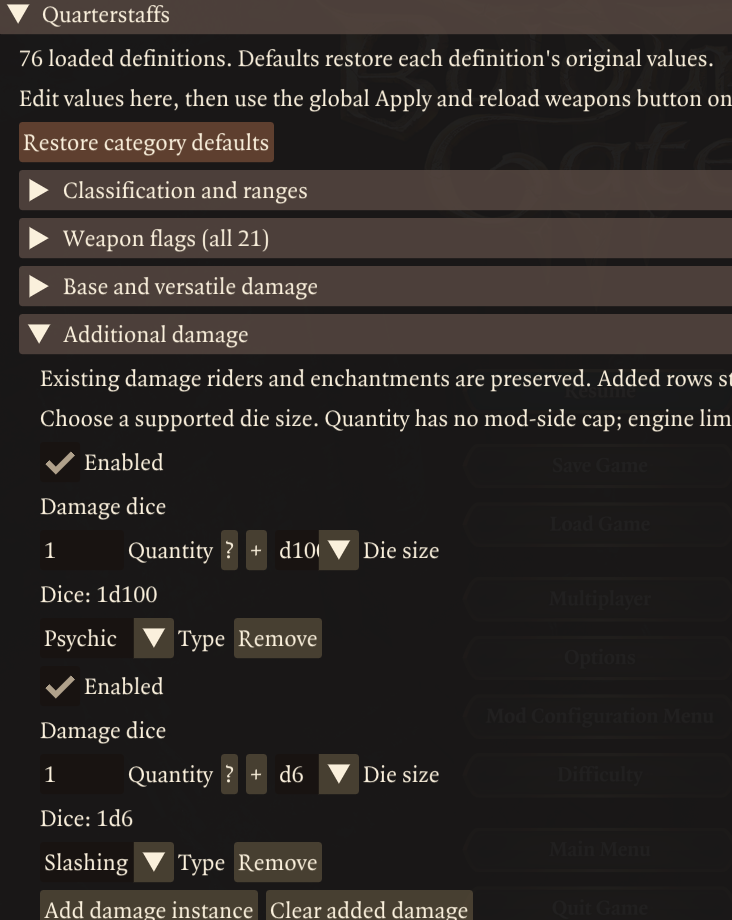
Dual wield staves with bonus slash and acid damage, which have a range of 30, worth over 9k gold and 30kg https://youtu.be/EKLo765Qdz0
Features
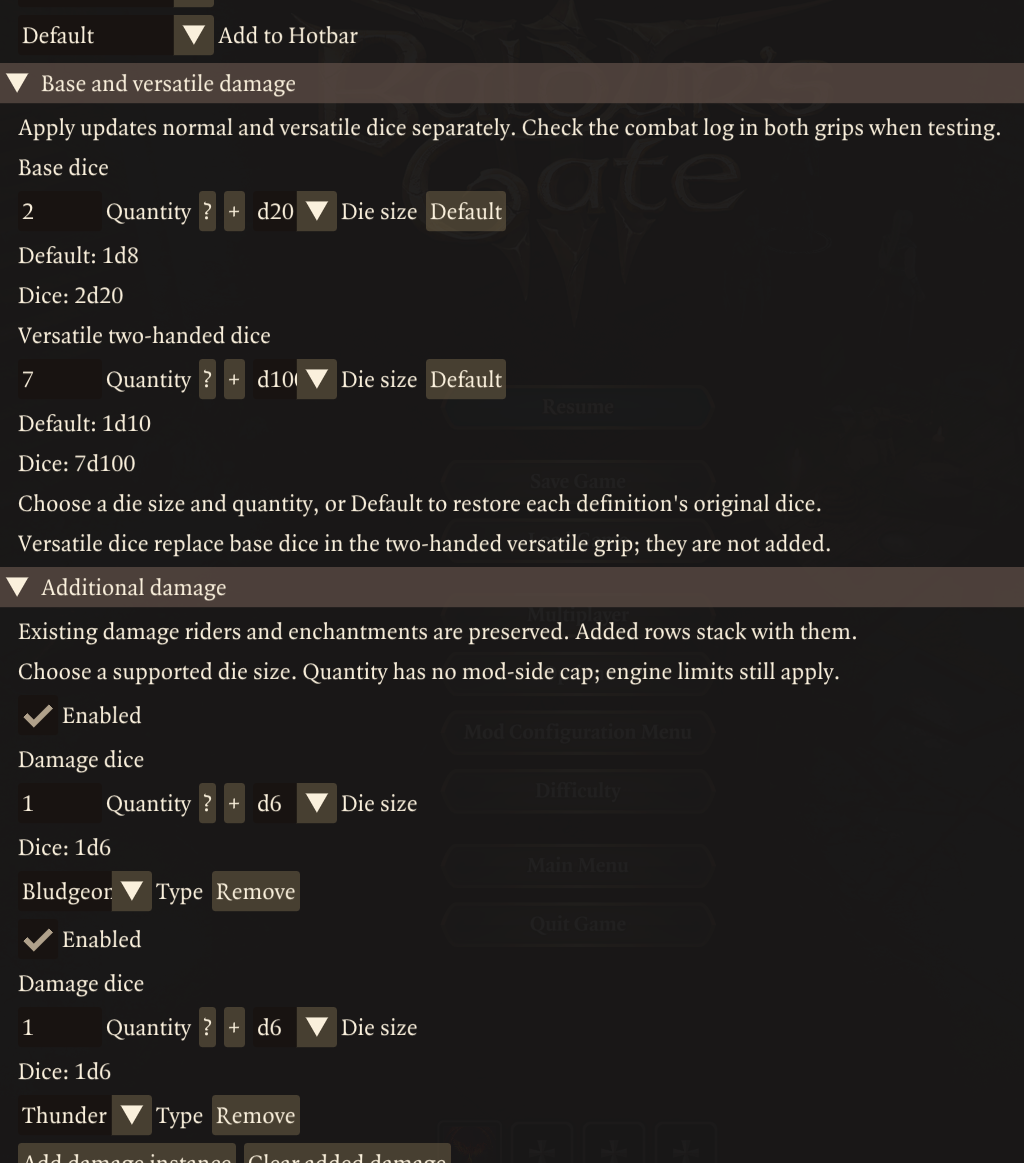
- Edit base damage dice size and quantity, including versatile damage. Engine prevents changing base damage type or arbitrary dice sizes
- Edit, add or remove Damage riders, include type. A weapon can hold up to 32, not that id reccomend it.
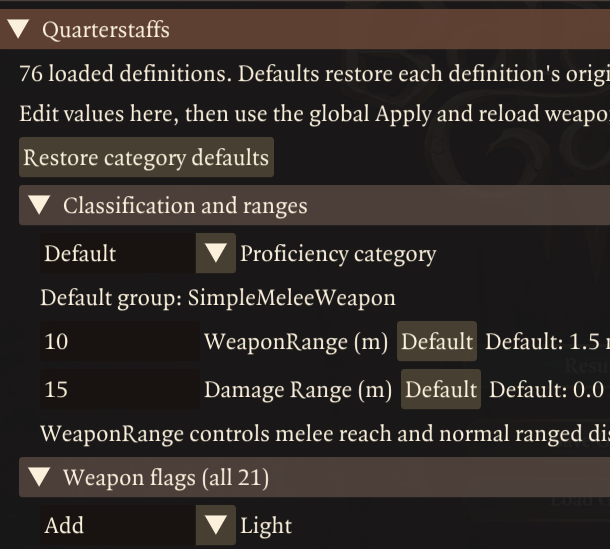
- Add or remove properties like finesse, light and thrown. Includes all engine properties, though most are unused in vanilla and don’t see to do antyhing.
- Yes this means you can make greatclubs throwing weapons, longs swords dual wiedlable and daggers versatile if you wanted to for soem reason. The animations might look odd with soem combinations but so far everything ive tried works.
- Switch between martial or simple proficiency
- Change attack range for mele and ranged weapons. Ranged weapons can fire outside their base range with disadvantage, you can edit this range seperately. Weapon abilities mostly inherit this range too.
- Edit prices and weights
- Shareable and saveable presets. Save your rebalanced weapons as a text file which you can manually upload and/or share with others.
- The preset system includes a “set to default” system. you can choose which preset counts as default values. it uses vanilla as a default. When a save loads with the mod installed for the first time it also saves loaded deifnitons as a preset you cna use as a default for modded weapon definitons.
- Edit entire categories of weapons or individual weapon definitons. For example generic longswords and gith longswords can have totally different stats.
- You cannot edit seperate weapon instances. So all egenric longswords will share the same stats an all gith longswords will share the same stats
Dependencies
- Norbyte’s Baldur’s Gate 3 Script Extender, version 33 or later.
- Mod Configuration Menu (MCM), version 1.41 or later. Follow MCM’s installation instructions and install any dependencies it requires.
- BG3 Mod Manager is recommended for installation and managing the load order. Dependencies are downloaded separately. However theoretically vortex or manual installs should work fine.
Installation
- Close Baldur’s Gate 3. Install Script Extender and MCM first.
- Import this release ZIP into BG3 Mod Manager, or extract ModularWeapons.pak directly into %LOCALAPPDATA%\Larian Studios\Baldur’s Gate 3\Mods
- Keep the .pak directly in the Mods folder.
- If updating, remove the previous WeaponTagsPOC.pak
- Activate Modular Weapons and place it after MCM in your active load order. Save and export the load order to the game.
- Launch the game and load a save. Open MCM with Insert, or through the Escape menu, then select this mods menu.
You may need to unequip and re-equip to get weapons or ui to update some changes. But most things update immedately after applying changes in the mod menu.
Closing MCM keeps drafts for the current session; loading a save or switching MCM profiles discards unapplied drafts.
Compatibility notes
- For weapons added by mods and/or weapons edited by mods, be sure to set the modded preset as your default preset. otherwise clicking “reset to defaults” on a weapon entry might set it to vanilla stats, instead of the stats from the other mod.
- Profiles: settings belong to the selected MCM profile and can affect multiple saves using that profile.
- Multiplayer: In theory this should work in multiplayer, using the hosts settings. But i havn’t tested it.
Engine Restrictions
- Some weapons were obviously never intended to have certain stats or tags etc.. So expects things to behave weirdly if you go too crazy. That said, during my testing, the engine has been pretty good at handling modifed weapons.
- Some tags dont seem to do anything noticeable and likely wern’t implmented by larian (Lance, Heavy, Loading etc…) I still included them for compatibility with mods that do implment them or vanilla edgcases im unaware of.
Presets:
“Active preset” and “Default preset” is remembered per save file.
Presets can be easily shared between players or backed up,
- The sharer navigates to the following folder in their file browser: %LOCALAPPDATA%\Larian Studios\Baldur’s Gate 3\Script Extender\ModularWeapons\presets\saved
- Find the preset .json file they want to share and send it to the other player (email and discord are common methods).
- The receiving player, simply places the file in their “saved” folder at the same path.
- Receving player loads their save game and opens the mod menu
- Select the preset from the list and then click “Set selected as current preset”.