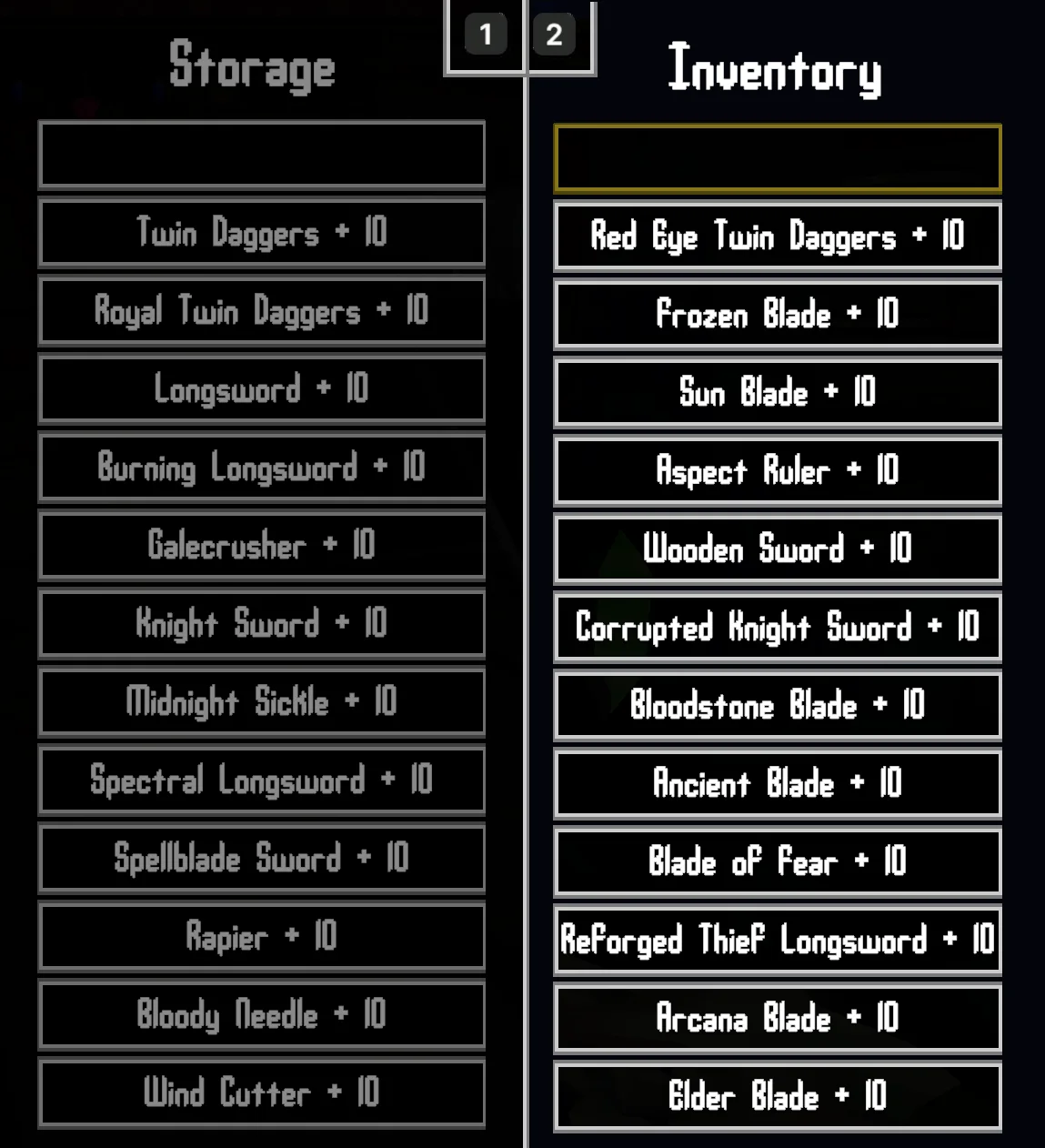
Upgrade one weapon and bring your other weapons up to the same level for free. Weapon Upgrade Catch Up covers your inventory and optionally your storage chest, and catches up newly picked-up weapons too.
For example, upgrading a sword from +3 to +4 also raises your other +0, +1, +2 and +3 weapons to +4. You only pay the normal gold and material cost for the sword you selected. Weapons already above that level stay where they are.
How it works
- Upgrade sync: complete an upgrade at a blacksmith to catch up your other lower-level weapons.
- Storage: weapons in your player storage chest can catch up too. They stay in storage; nothing is moved or duplicated.
- Pickups: newly picked-up world weapons match the highest upgradeable weapon you already own. Drops that already have a higher level keep it.
- Weapon types: ordinary, spectral, offhand and New Game Plus weapons are covered, provided they support upgrades.
- Reforging: the three special +10 weapon transformations are supported, including weapons in storage. Equipped copies follow the replacement.
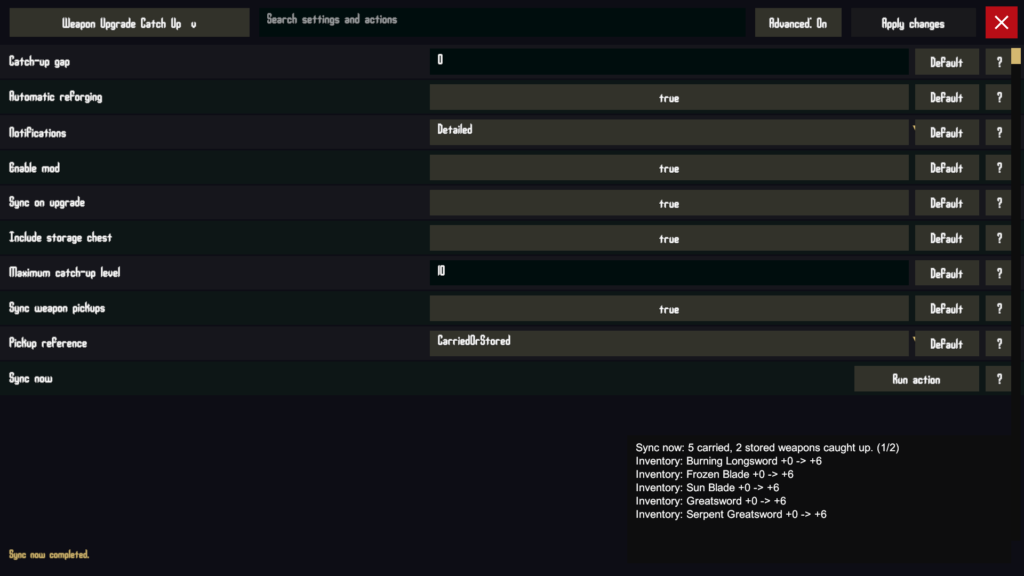
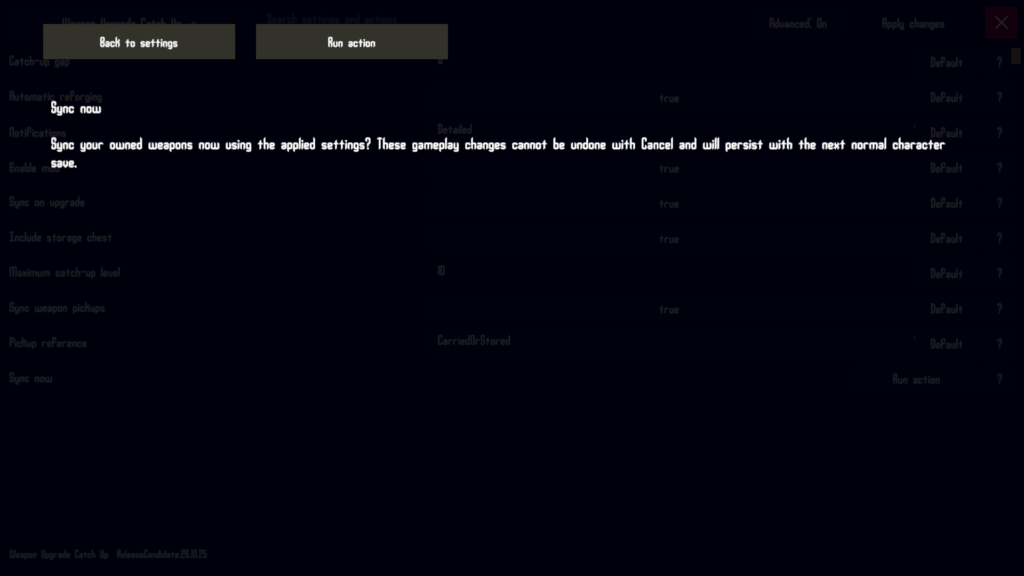
- Sync now: catch up an existing collection without buying another upgrade.
Free catch up upgrades do not replay separate purchase dialogues or award separate upgrade achievements. So the settings allow you to exclude the 3 secret weapon upgrades. you could also set the the gloabl limit to +9 if you prefer.
Requirements
Built for and tested on the Windows x64 Steam version of Verho, build 21853371.
BepInEx 5 is required. Tested with 5.4.23.5 on windows. Download BepInEx from the official release page. Harmony is included in that download.
Verho Mod Configuration Menu, version 26.10.25.2125 or newer, is a soft requirement. without it you will need to edit the settings file directly manually.
Installation
Use My Verho Mod Manager, or follow the manual steps below.
- Close Verho and back up your saves just in case (the mod manager can help you with this). They are under
%USERPROFILE%/AppData/LocalLow/Kasur Games/Verho. - Open the folder containing
Verho.exe. - If BepInEx is not already installed, extract its ZIP into that folder. Start the game once to generate its config, then close it.
- Open
BepInEx/config/BepInEx.cfgin a plain text editor. Under[Chainloader], setHideManagerGameObject = true. Preserve other settings and avoid duplicate sections. - Extract
WeaponUpgradeCatchUp.zipinto the game folder, merging theBepInExfolders and replacing the previous version if prompted. - Start Verho and load your character. The default settings enable upgrade sync, storage sync and pickup catch-up.
The loader setting should look like this:
[Chainloader]
HideManagerGameObject = true
The installed DLL should be at BepInEx/plugins/WeaponUpgradeCatchUp/Verho.WeaponUpgradeCatchUp.dll. Keep only one copy under BepInEx/plugins.
Changing the settings
You can manually edit the file if you don’t want to use the mod manager or mcm. Make sure the game is closed and edit the file at: BepInEx/config/local.verho.weaponupgradecatchup.cfg.
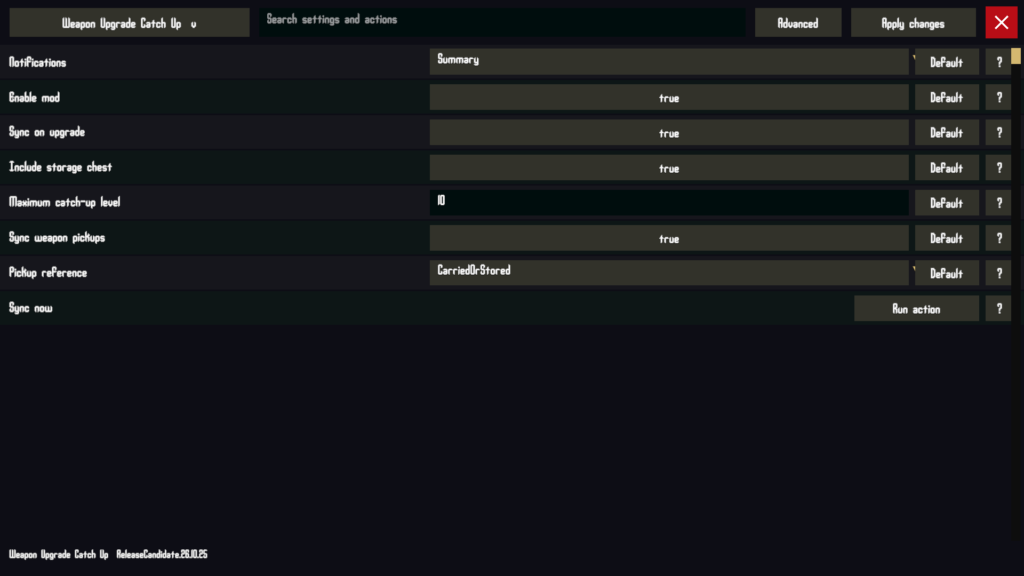
- Enable mod: turn catch-up on or off. Default: on.
- Sync on upgrade: catch up other weapons after a blacksmith upgrade. Default: on.
- Include storage chest: also update stored weapons during upgrades and Sync now. Default: on.
- Sync weapon pickups: catch up weapons when you pick them up in the world. Default: on.
- Pickup reference: use your highest carried weapon, or your highest carried or stored weapon. Default: carried or stored. This is separate from the storage-sync toggle.
- Maximum catch-up level: limit levels added by the mod to a value from +0 to +10. Default: +10.
- Notifications: choose Off, Summary or Detailed. Default: Summary. Detailed shows weapon names, locations and old/new levels over successive pages. Native pickup notices remain.
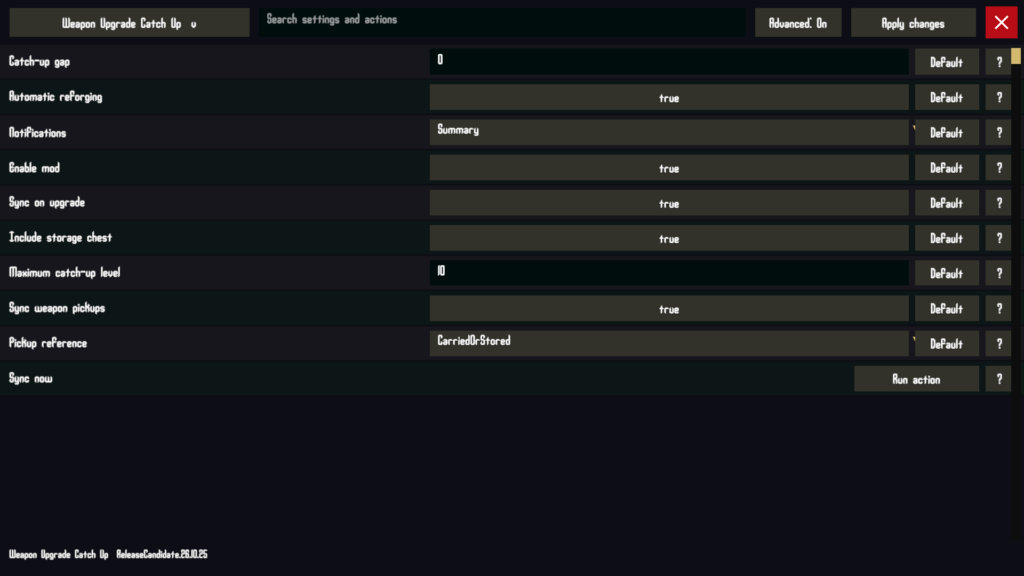
Enable Advanced to see two more settings:
- Catch-up gap: keep automatically raised weapons zero, one or two levels behind the reference. Default: zero. The maximum level is applied after the gap.
- Automatic reforging: allow the special +10 transformations. Turn this off to stop automatic upgrades for those weapons at +9 and buy the final upgrade yourself. Default: on.
These limits never lower existing weapons, reduce a pre-upgraded drop, or limit the weapon you are paying to upgrade.
Compatibility notes
- Existing characters are supported. You do not need to start a new game.
- Buying weapons from shops, receiving scripted gifts, withdrawing weapons from storage and loading a character do not themselves trigger pickup catch-up. Use Sync now or your next blacksmith upgrade if needed.
Uninstall
Close Verho and delete BepInEx/plugins/WeaponUpgradeCatchUp/Verho.WeaponUpgradeCatchUp.dll, then restart the game. If using Verho Mod Manager, disable or uninstall the mod there and use Play Verho to update the deployed files.
Upgrade levels already saved on your character remain after uninstalling. Disabling the mod or changing its settings does not undo them either. Restore a save backup from before the upgrades if you want to reverse those changes.
You can keep BepInEx/config/local.verho.weaponupgradecatchup.cfg for a future reinstall, or delete it to start with default settings next time. BepInEx and MCM can stay installed for your other mods.
Leave a Reply