Description
List Lord is a portable Windows app that turns information on your PC into lists you can preview, save as plain text, or open in a spreadsheet. Use it to make a record of a folder, check which Steam games are installed, list mods in a folder, or document the apps and hardware on a PC.
Features
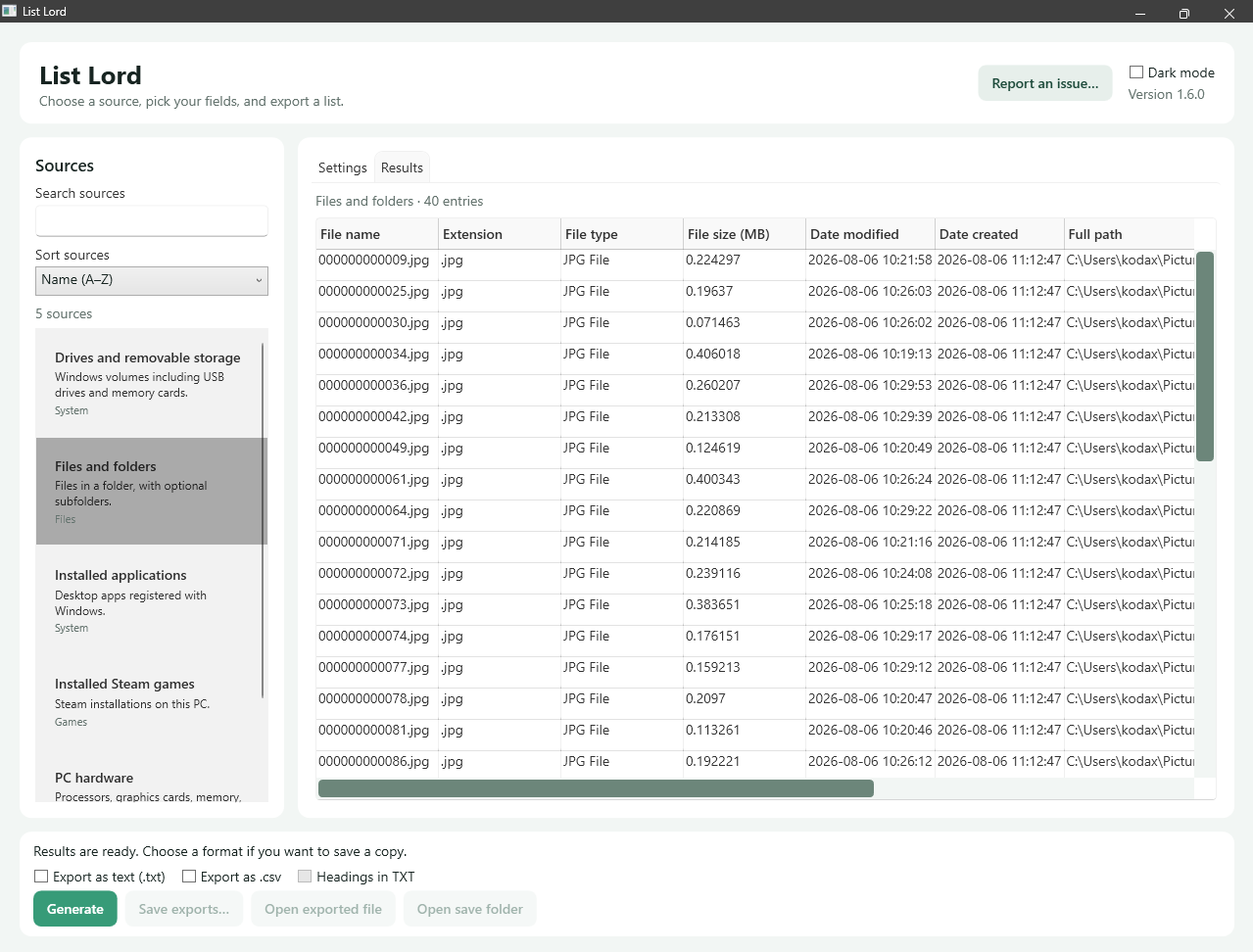
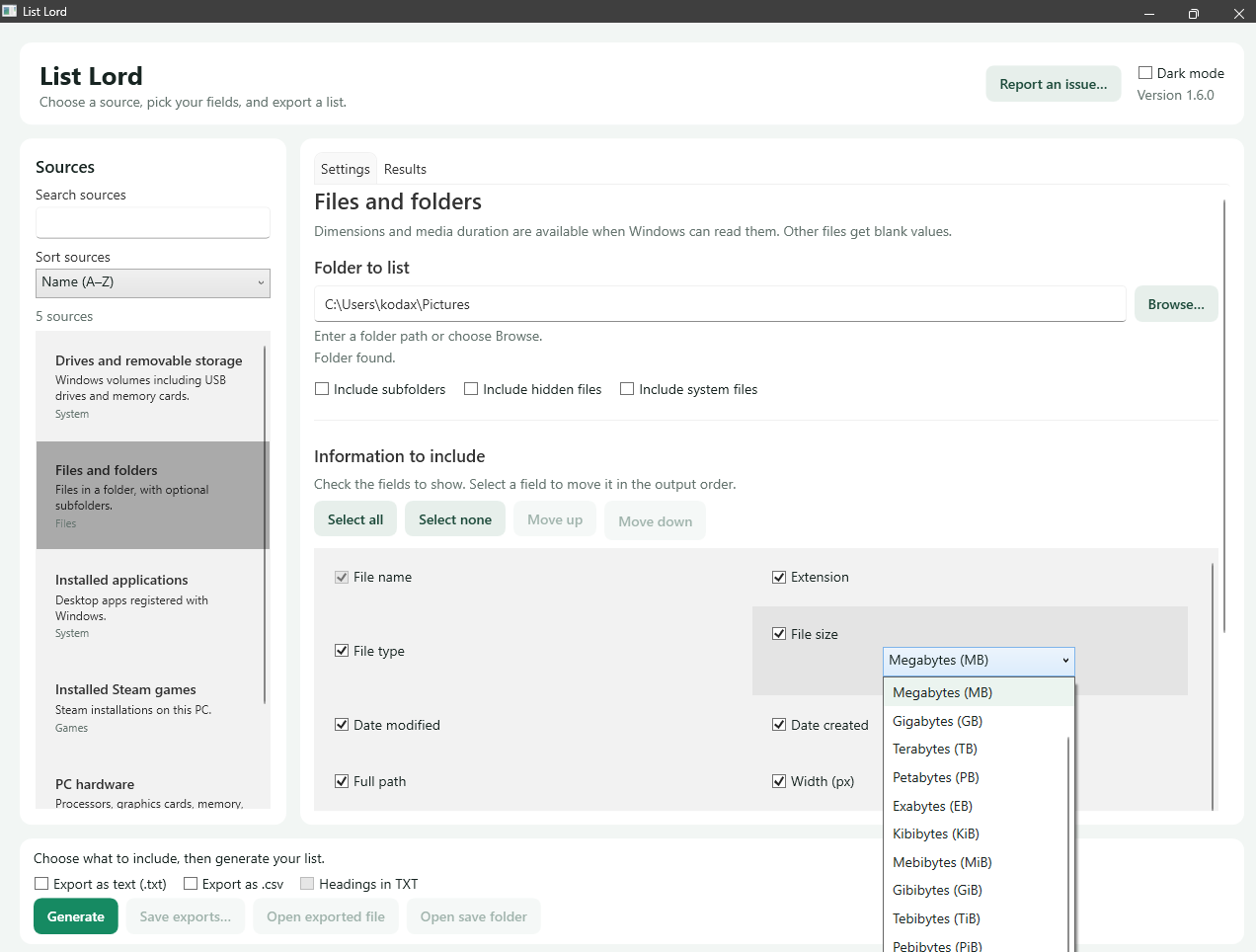
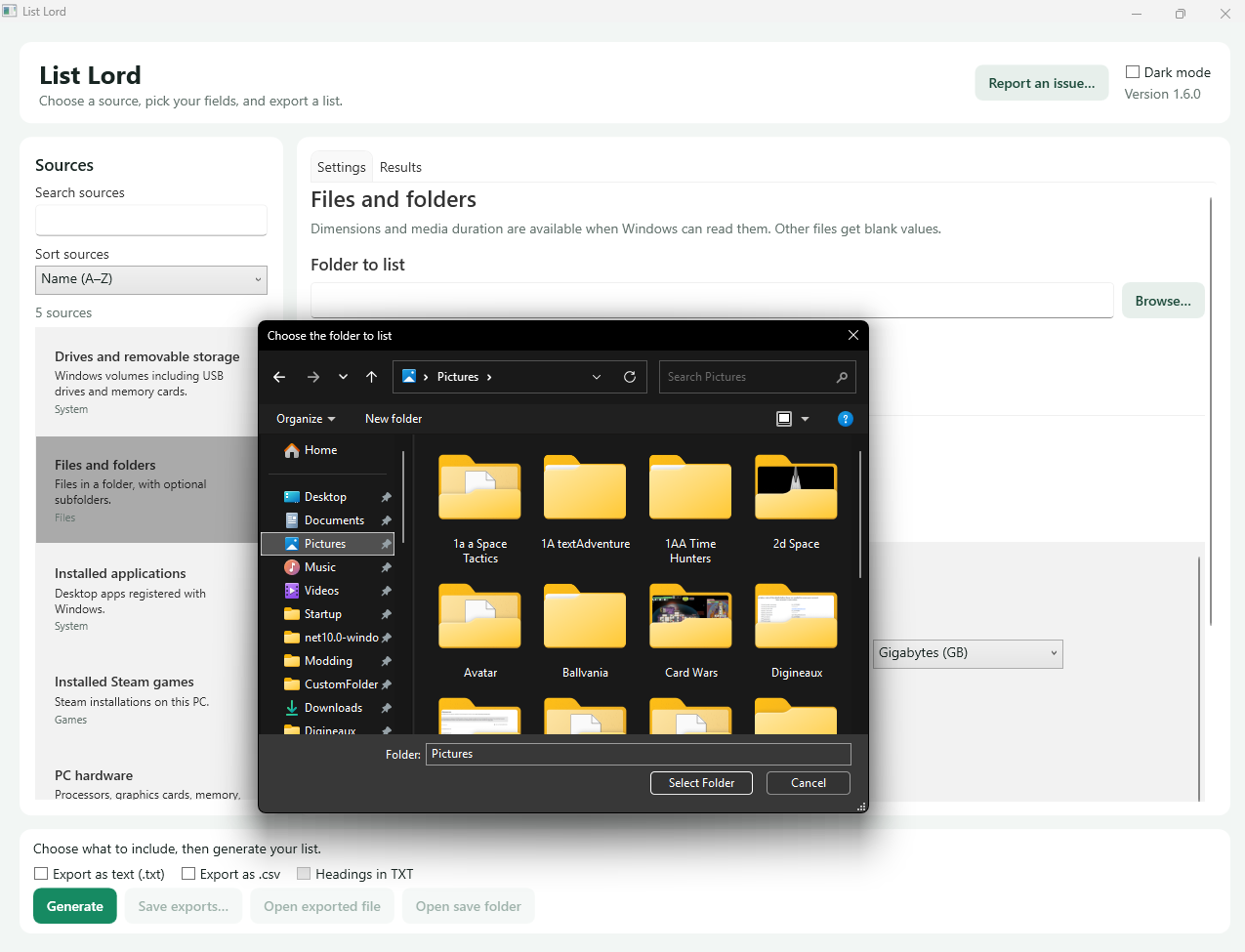
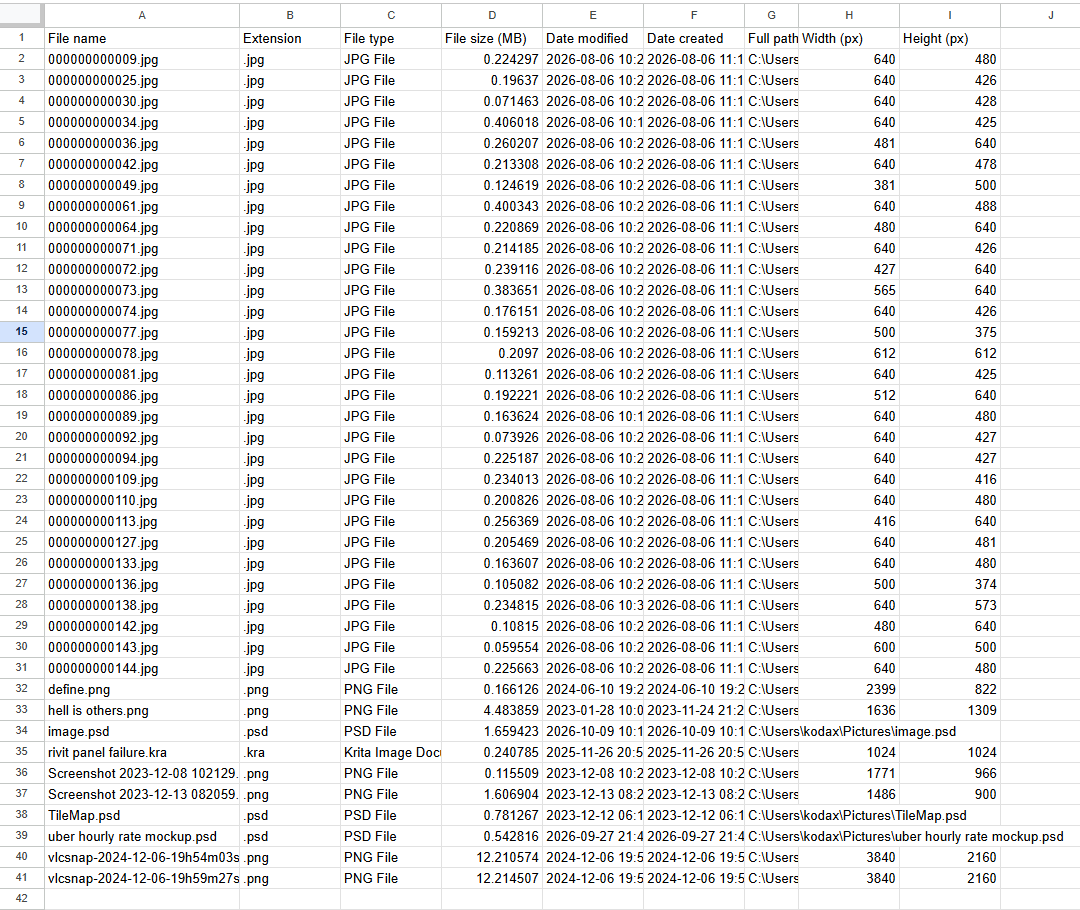
- Files and folders. List files from a chosen folder. Include subfolders, hidden files, and system files if needed. Pick details such as size, dates, full path, dimensions, and media duration where available.
- Installed Steam games. Detect local Steam libraries or choose a library folder. List titles, install locations, and sizes reported by Steam. The list covers local installations only.
- PC hardware. List your processor, graphics card, memory, motherboard, and selected connected devices. Details depend on what Windows and the device drivers report.
- Installed applications. List desktop apps registered with Windows, including version, publisher, and install size where available. Size results identify whether they came from a folder scan or an installer estimate.
- Drives and removable storage. Choose which types of drives to include and list their capacity, used and free space, and file system.
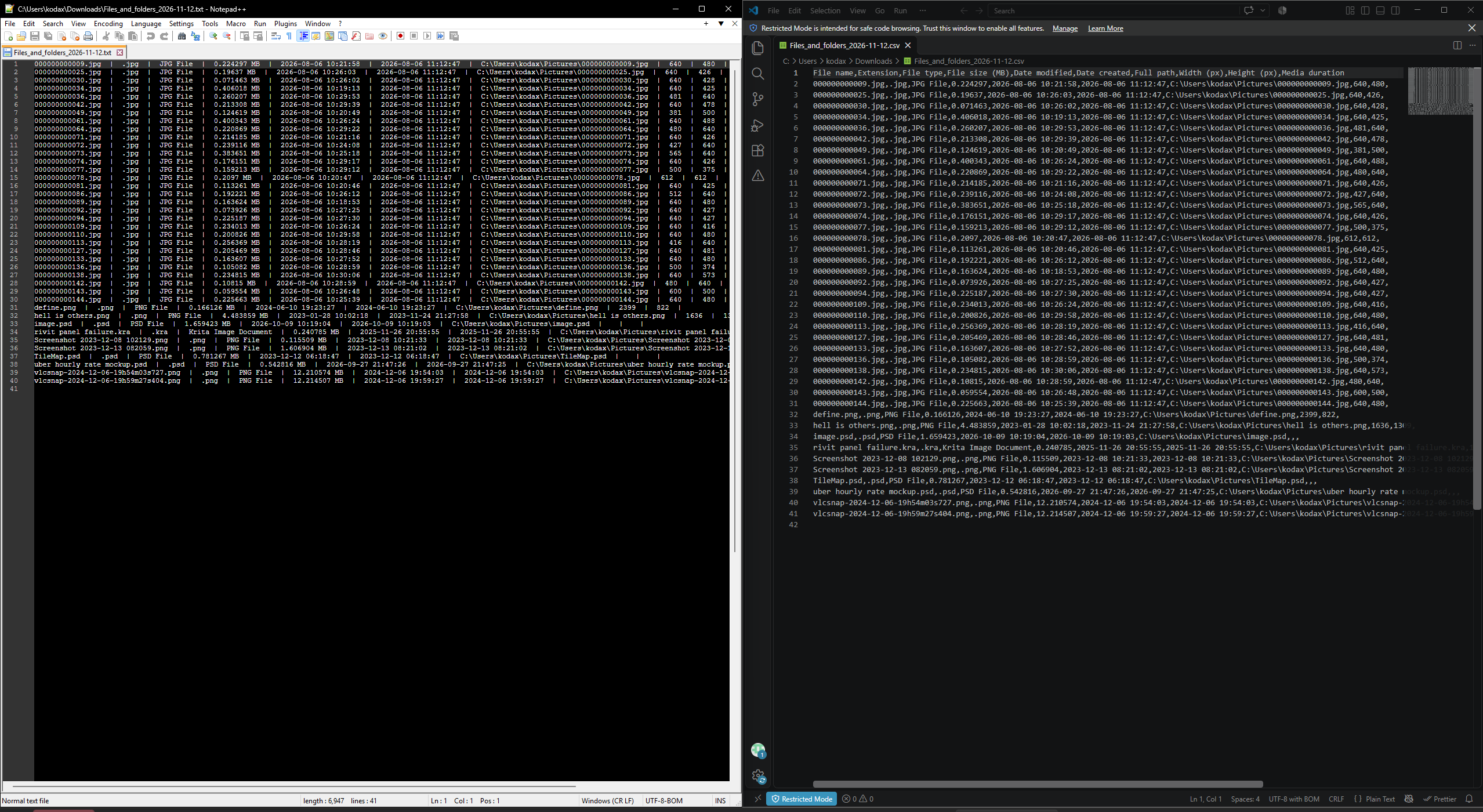
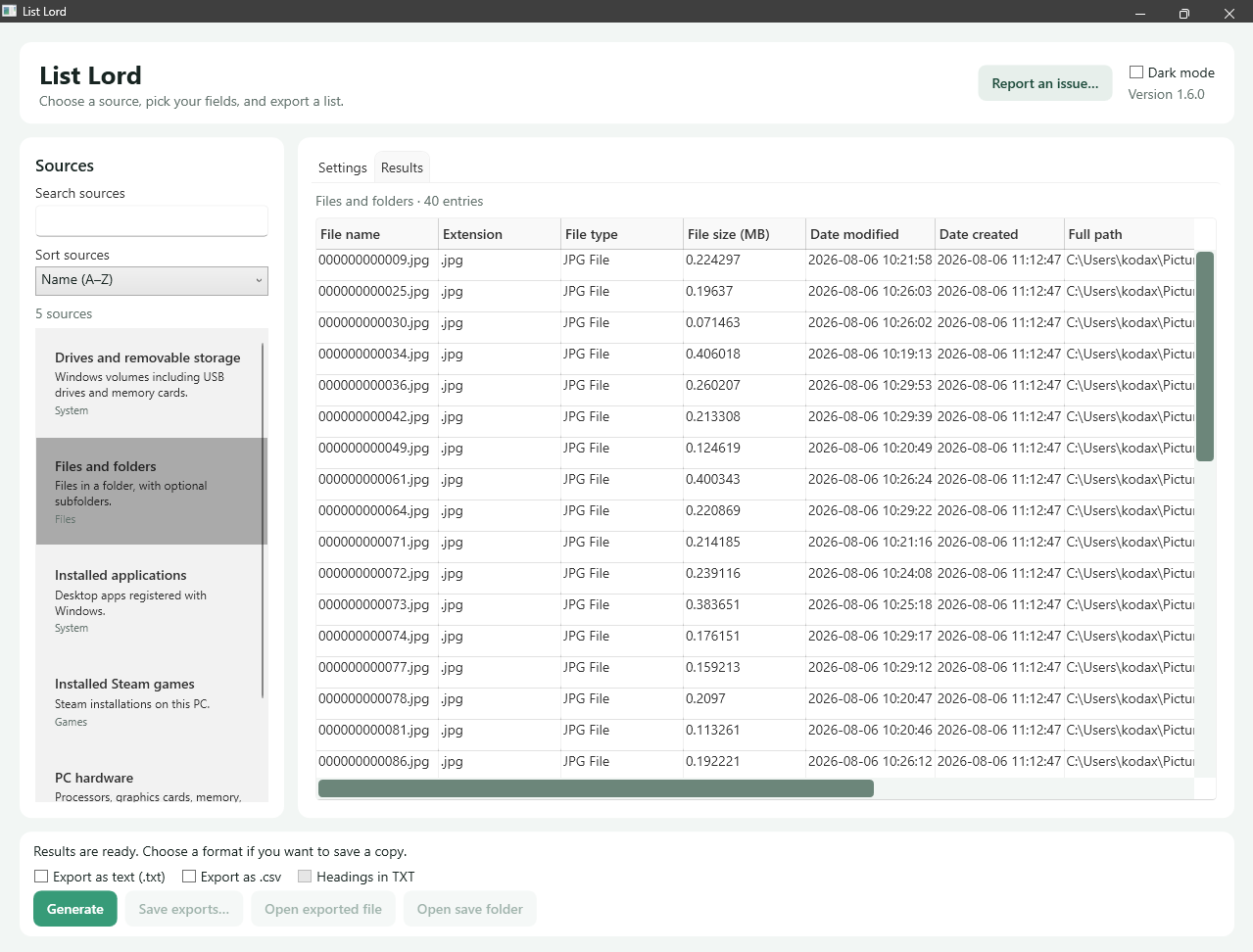
- Custom lists. Pick and reorder fields, sort rows, choose size units, and preview your results. Export to TXT, CSV, or both.
- Fully Offline and portable. No need to login, upload data to a cloud or manage complicated installs.
- Light and dark modes are available.
Download and run
The download contains the portable Windows x64 app. Windows 11 on an x64 PC is recommended, but it will probably work on Win 10 and possibly even Win 7/8. The download includes the .NET runtime.
- Download the ZIP file from your order.
- Right-click the ZIP, choose Extract All, and pick a folder.
- Open the extracted folder and double-click
ListLord.exe.
How to make a list
- Search or browse the Sources list and select what you want to list.
- Choose the folder or categories as prompted. Under Information to include, tick the fields you want and adjust their order or units if needed.
- Click Generate to see the list in Results.
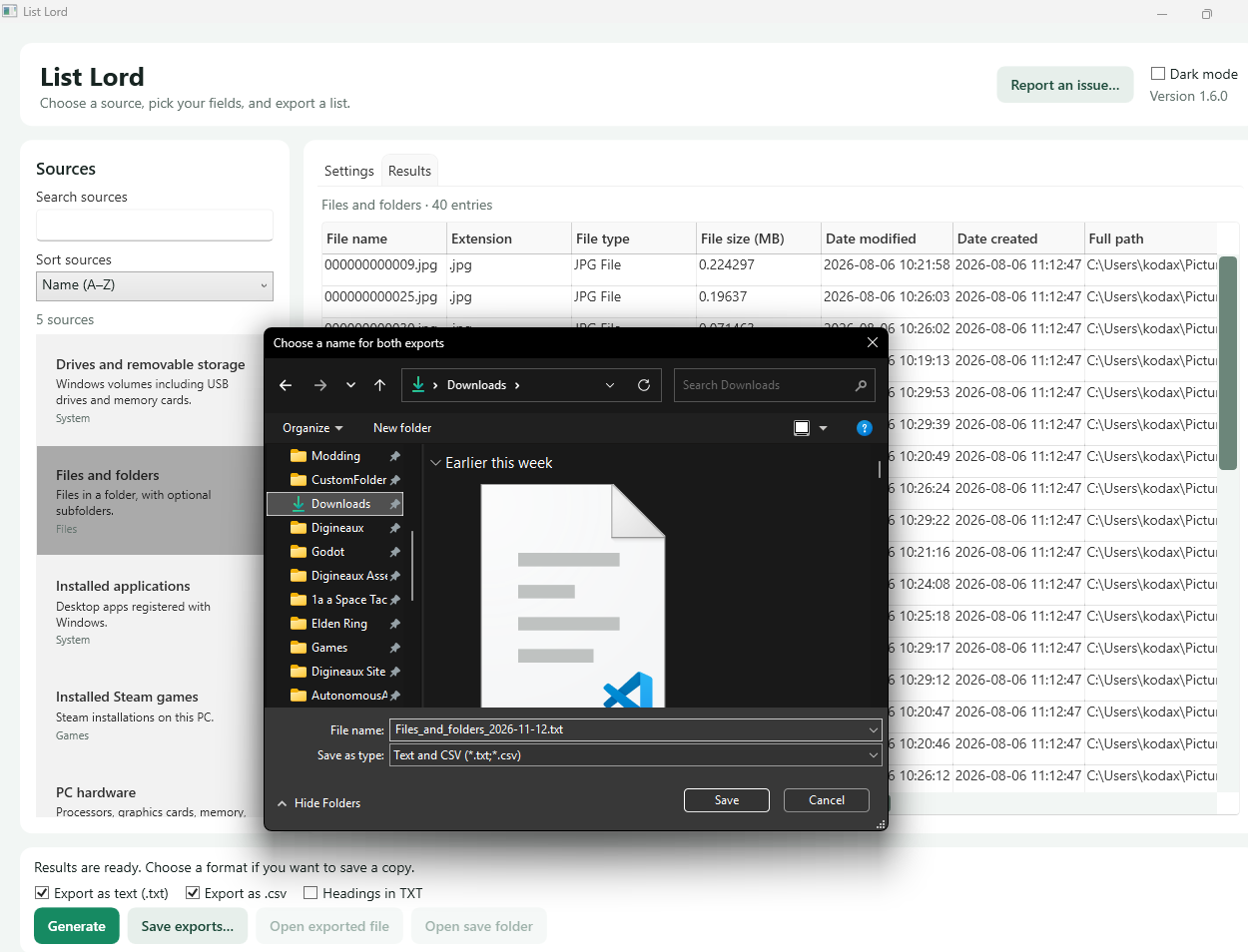
- To keep a copy, tick Export as text (.txt), Export as .csv, or both. Click Save exports and choose a location and name.
Licensing
The app is offered under the DIGINEAUX SOFTWARE LICENSE 1.1
Beta release and feedback
List Lord is in beta. You may encounter bugs, missing entries, or incomplete results. Check the generated list before relying on it.
The app is offered on a pay what you want system. Currently the minimum is $0.00, making it free. The minimum price will increase as features are added and stability is confirmed. Once purchased you will get all future updates at no extra charge.
To report a problem or suggest an improvement, choose Report an issue in the app. Fill in the template, open an email draft or copy the report into webmail, then send it to [email protected]. If the app won’t open, email the address directly and include your Windows version, what you did, and any error message you saw. Remove private details before sharing. You can also just email Me directly through Your preffered method.

Reviews
There are no reviews yet.