Latest Store Additions
-
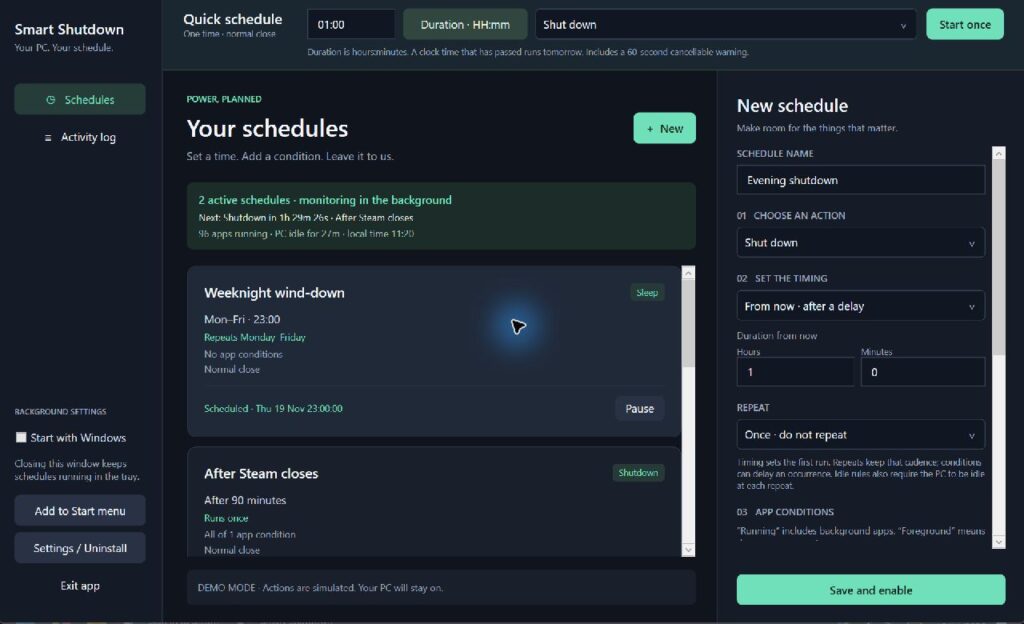
Smart Shutdown Scheduler
Suggested Price: $1.00Schedule shutdown, restart, sign out, sleep, hibernate, or lock on your Windows PC. Set a quick timer or save recurring schedules with app conditions and a cancellable warning. Quick timers, local clock times, and idle scheduling Multiple saved schedules with flexible repeats App conditions, cancel, and 10-minute snooze Portable Windows x64 download with .NET included
-

List Lord
Suggested Price: $1.00List Lord is a portable Windows app that turns information on your PC into lists you can preview, save as plain text, or open in a spreadsheet. Use it to make a record of a folder, check which Steam games are installed, list mods in a folder, or document the apps and hardware on a PC.
-
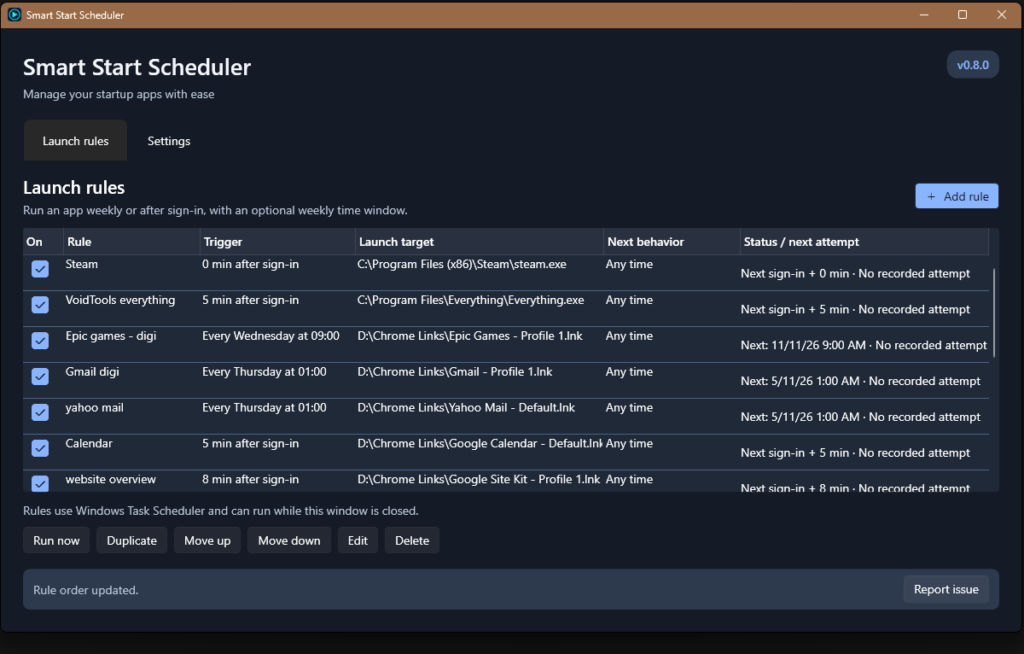
Smart Start Scheduler
Suggested Price: $1.00Open the apps and pages you need, when you need them. Set weekly launches, delay an app until after sign-in, and add conditions without working through Windows Task Scheduler yourself.
Latest Mods
-
Verho Weapon Upgrade Sync and Catchup
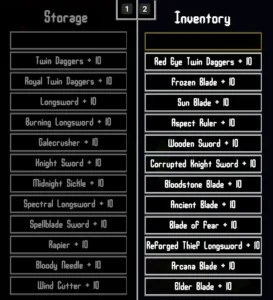
Upgrade one weapon and bring your other weapons up to the same level for free. Weapon Upgrade Catch Up covers your inventory and optionally your storage chest, and catches up newly picked-up weapons too. For example, upgrading a sword from +3 to +4 also raises your other +0, +1, +2 and +3 weapons to +4. You only pay the normal gold and material cost for the sword you selected. Weapons already above that level stay where they are. How it works Free catch up upgrades do not replay separate purchase dialogues or award separate upgrade achievements. So the settings allow…
-
Passive Eye of Secrets
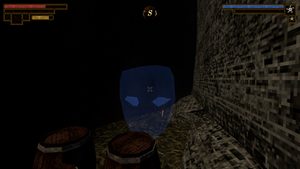
Reveal secret walls and invisible objects without keeping the Eye of Secrets equipped. Walk close enough and the mod does the revealing for you. Optional filters for specificy requiring a certain weapon orr equiring the ey of secrets in inventory and customize the radius you want. Features Requirements Built for and tested on the Windows Steam version of Verho: Curse of Faces, build 21853371. Other versions haven’t been verified. Installation Use My mod manager or follow the manual steps: Configure Use Enable passive to turn it on or off, and Reveal radius to change its range. Activation mode has three…
-
All statue shrines have a storage chest
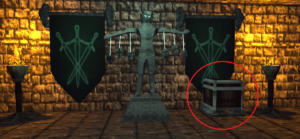
Shrine Storage Chests is a BepInEx 5 mod for Verho – Curse of Faces. It adds a functional storage chest near every Mask Statue Shrine (the bonfires where you level up and fast travel) outside Nameless Village (which already has one). No more sitting through two additonal load screens every time you wanna access your storage (normally you would have to teleport to the Nameless Village, do your storing and then teleport back to whatever area you were exploring). Install Use my mod manager at https://digineaux.com/verho-mod-manager/ or follow the manual steps below:
Latest Articles
-
Modding and merging for Dragons Dogma Dark Arisen
The games files are mostly compressed into encrypted .arc files. These files can be extracted and decrypted using FluffyQuack’s ARCtool. It not only extracts them, but converts supported formats into more human-readable and editable file types. These can then be repacked into a .arc and used to mod the game files. Prepare the tools First we need the latest version of FluffyQuack’s ARCtool. Alternatively, you can try Riftstone, which includes its own toolkit for archive processing and editing game data. Follow its installation instructions rather than mixing its workflow with the ARCtool instructions below. Extracting the game files There are…
-
Share Your USI VET Transcript
Your USI VET transcript shows nationally recognised vocational education and training (VET) reported since 2015. It is an Australian Government service that can help you prove your qualifications to employers or education providers. Note: It does not replace certificates or statements of attainment issued by your training provider entirley. Some orgnizations with stricter requirments may want to verify with the actual certificates instead. Download or share it Important notes: Read USI’s transcript-sharing guide for the official instructions.
-
Find Specific Text in a Page or Document with Ctrl+F
Find words and phrases in a page or document with Ctrl+F, move between matches, and troubleshoot missing search results.